
11 Admin Pages You Will Want to Edit
MemberGate includes many pages that are set up to help you to quickly get your site up and running.
Some of those pages may need some personal edits (like adding your information to the contact us page), or some may need to be edited to fit the personality of your website or to include your own message.
In this section, we'll look at customizing all these types of 'work pages' in MemberGate. To customize the 'work pages' - the pages that appear when visitors perform different functions such as logging in or logging out, doing searches, completing the member form - you use the 'edit content' pages option from the main menu.
To edit any page on your MemberGate site, simply Login, go to the page and you will see the EDIT link on the Top Nav Panel
Click through the tabs for specific information and 'how to' edit those pages:
- Thank You/Contacting Us
- Welcome Aboard
- Contact Us
- Privacy Policy
- Logout Page
- Change Account Details
- Log in Details
- Authorization
- Terms of Use
- Cancel Your Subscription
- Sales Page
- Transaction History
Thanks for Contacting Us
Find it
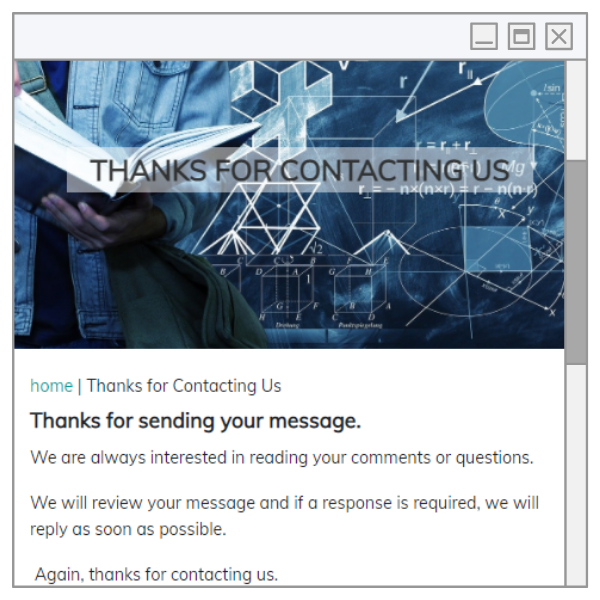
Editing the Thanks for Contacting Us page can be found under Content Pages Edit Page choose page 3Page Details
This is the page that is displayed after a visitor uses the contact form to send you an email message.
Update this thank you page to reflect the tone of your site.
Welcome Aboard
Find it
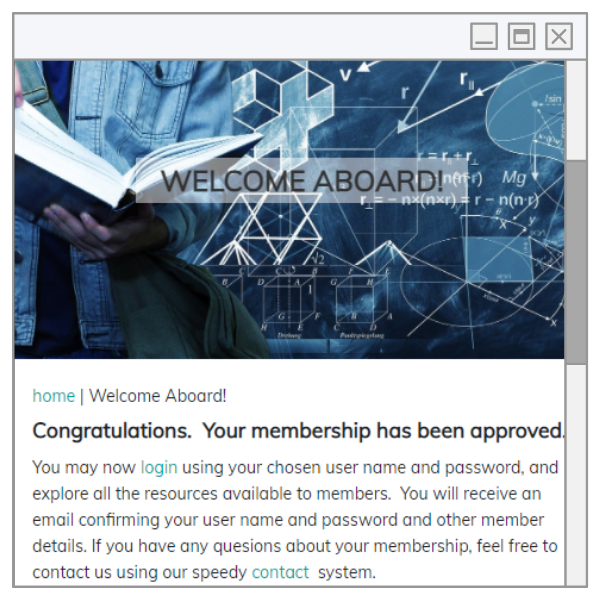
Editing the Welcome Aboard page can be found under Content Pages Edit Page choose page 6Page Details
The Welcome Page is what the new members will see when their new member applications is accepted.
It is a good idea to include information about how member charges will appear on their credit card, as well as a link to the member rules of the site or their member benefits.
Contact Us
Find it
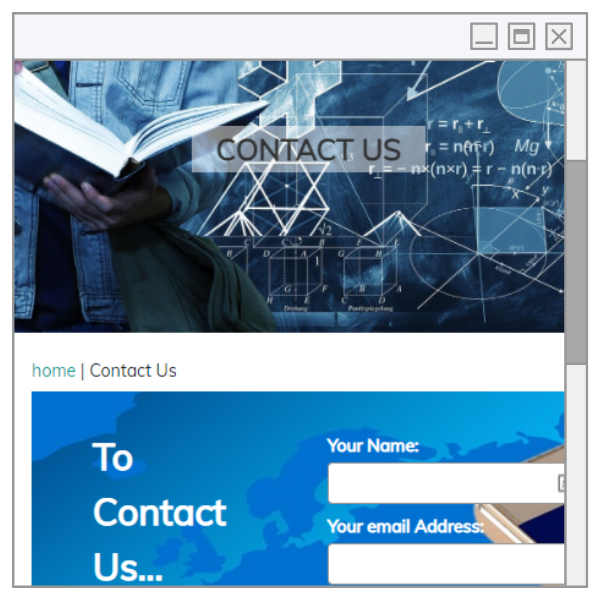
Editing the Contact Us page can be found under Content Pages Edit Page choose page 7Page Details
This Contact Form appears when a user clicks on the 'Contact Us' link within your site.
Your street address, phone and other contact details can be changed or updated on this page.
Privacy Policy
Find it
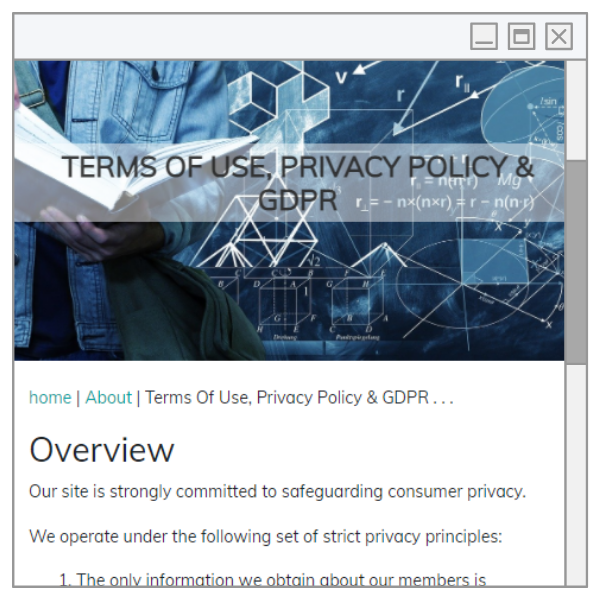
Editing the Privacy Policy page can be found under Content Pages Edit Page choose page 9Page Details
A privacy policy lists the ways that information from your subscribers are gathered and used.
Edit this privacy policy to meet your site's behavior.
Logout Page
Find it
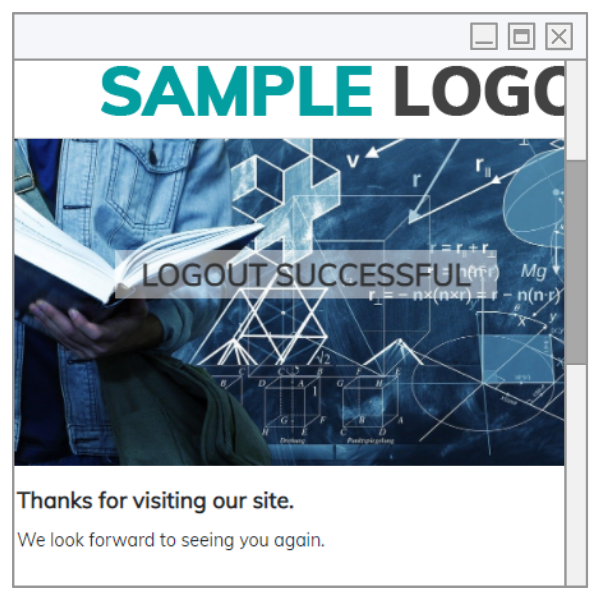
Editing the Logout Page can be found under Content Pages Edit Page choose page 11Page Details
Members see the logout page after logging out.
This page can be used to thank them for their visit, encourage them to visit again, and to provide links to detailed pages the member might be interested in,
Edit Member Account
Find it
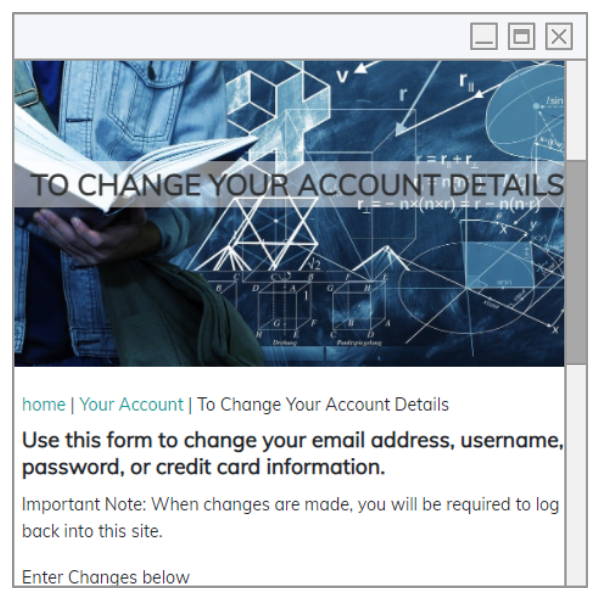
Updating the Edit Member Account page can be found under Content Pages Edit Page choose page 75Page Details
This page allows members to change their account information and details.
*NOTE - the cfinclude template="programs/changeuser.cfm code should remain.
Log in Details Have been emailed to You
Find it
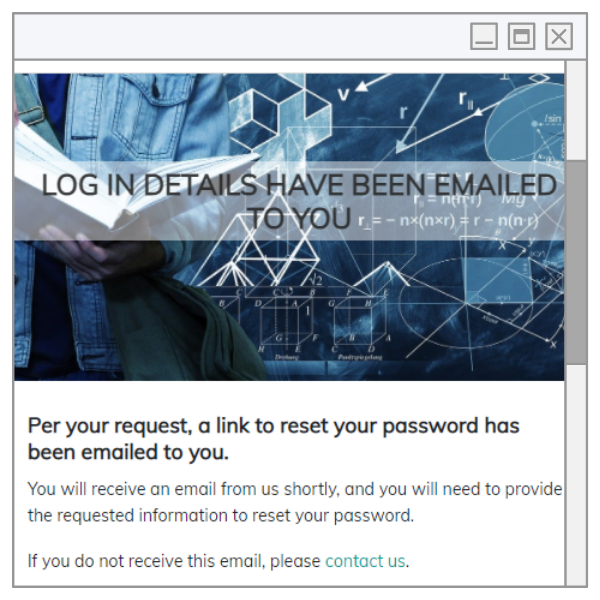
Editing the Log in Details Have been emailed to You page can be found under Content Pages Edit Page choose page 20Page Details
After the user has submitted a form for a lost password, they are brought to this page.
Edit this page to include the message that you would like your members to see after requesting a password reset email.
Not Authorized to View this Content
Find it
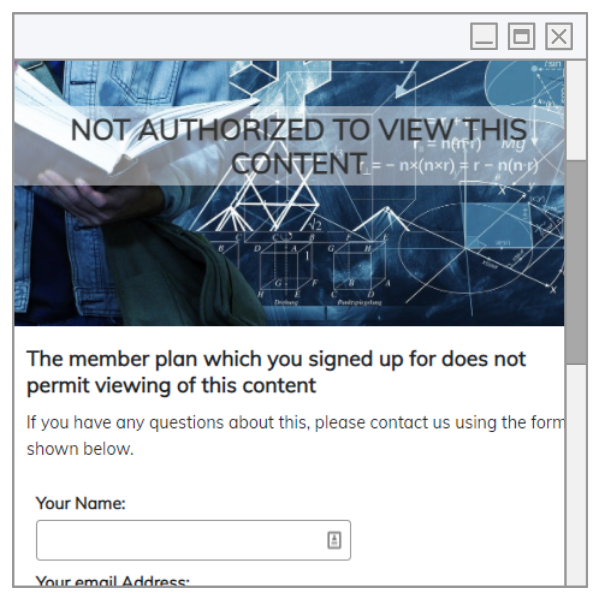
Editing the Not Authorized to View this Content page can be found under Content Pages Edit Page choose page 29Page Details
This content page is what the members will see if they try to access a page for which their member plan is restricted.
This page can be edited to reflect any type of messaging that you would like them to see (for example, it could include sales information for the user to upgrade).
Terms of Use
Find it
Editing the Terms of Use page can be found under Content Pages Edit Page choose page 73Page Details
The terms of use page includes the rules a member must agree to in order to use the site.
There are example rules on this page, feel free to customize to meet the needs of your site.
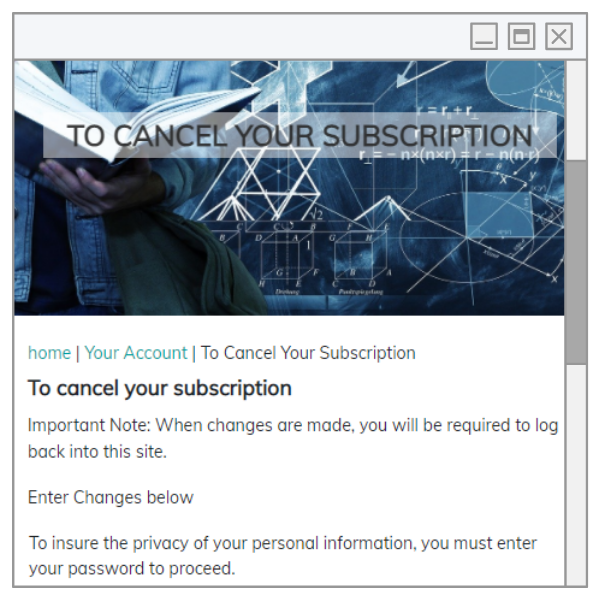
To Cancel Your Subscription
Find it
Editing the To Cancel Your Subscription page can be found under Content Pages Edit Page choose page 74Page Details
This is the page to allow members to cancel their subscription.
Edit the text as necessary.
*NOTE - the cfinclude template="programs/cancelsubscriber.cfm code should remain
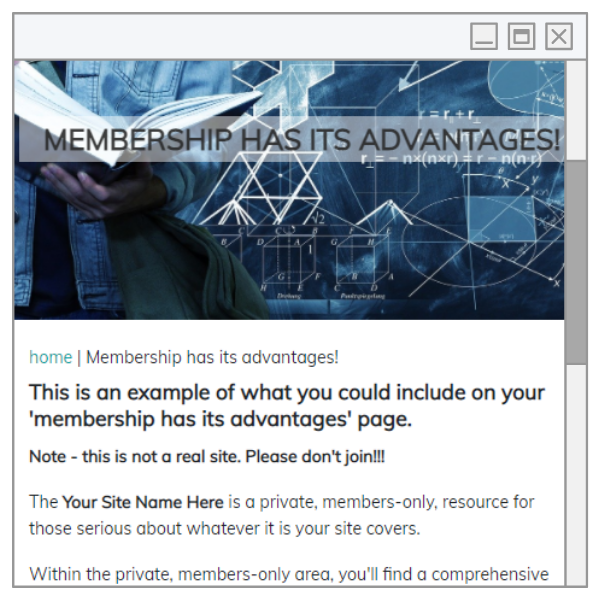
Sales Page
Find it
Editing the Sales Page can be found under Content Pages Edit Page choose page 10Page Details
This Membership Has Its Advantages page acts like a sales page and can include subscription plan details and links to subscription forms.
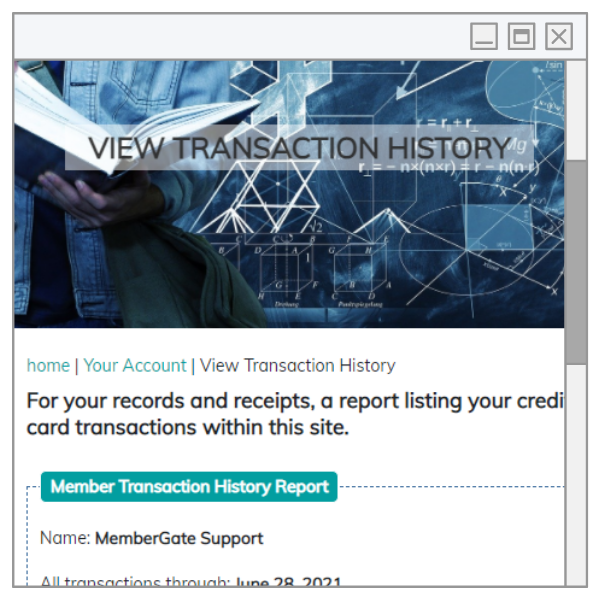
Transaction History
Find it
Editing the Thanks for Contacting Us page can be found under Content Pages Edit Page choose page 76Page Details
This is the page allows members to view all the transactions associated with their membership.
Edit as necessary.
*NOTE - the cfinclude template="programs/trans_history.cfm code should remain
Some Notes about updating the content pages in the 'work pages' department.
- In almost all cases, you will not want to modify CFM commands you see in these pages. These commands tell MemberGate how to handle the pages.
- If a work page has the headline, 'Reserved for Future Use', don't use it. It will probably be used in the future for MemberGate feature enhancement
- In most cases, you will not want to show work pages in either the department or portal pages.
- In most cases, you will want to select 'inactive' as page status for work pages. This keeps them from being found by MemberGate's search engine.