
My First Content Page
Once in the edit screen, you can adjust the settings so this page is customized for your site and your message. Feel free to adjust the settings on this page as many times as you'd like to see how the different changes can result in different looks for your page.
Helpful Hints
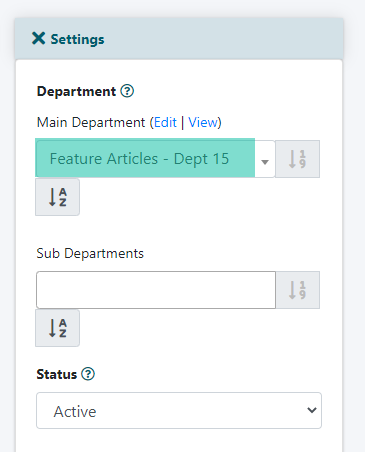
1. Currently, this page is in the Featured Articles department which is a members only department so only those who are logged in would be able to see it. If you would like this page to be viewable by all, in the 'Department' field (first on the list in the 'Edit Screen'), choose a different and more suitable department. Or create a new department as a container for this content page.
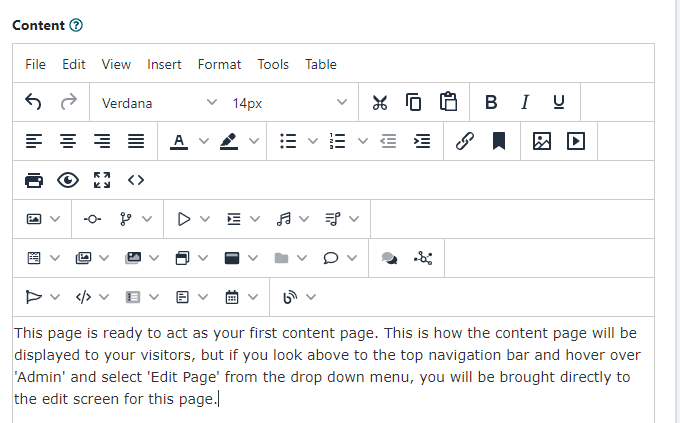
2. Type over any text on this page to update this to include your own message. Use the WYSIWYG (what you see is what you get) rich text editor as seen at the top of this box to format your text (add bolding, change fonts, make lists).
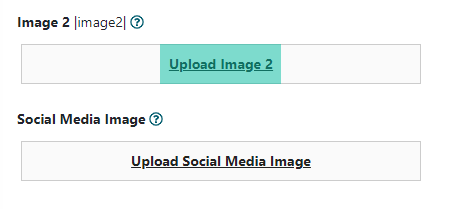
3. While in the edit screen, look below this box for the image placeholders. Click on Upload Image to replace the images on this page with new ones. Type the corresponding |image#| in this text box to include the images on your page.
For more assistance with setting up a content page check out the tutorial about Editing a Content Page